
01 · ORIGIN
Potential, grown.
A producer shapes the coffee long before it reaches a brewer. Variety, growing conditions and processing create the starting point for what you will taste.
ORBI PORTABLE
Choose what you want to brew.
Trust ORBI to execute it.
From a traditional Italian espresso to a world champion’s recipe, ORBI makes advanced brewing approachable.
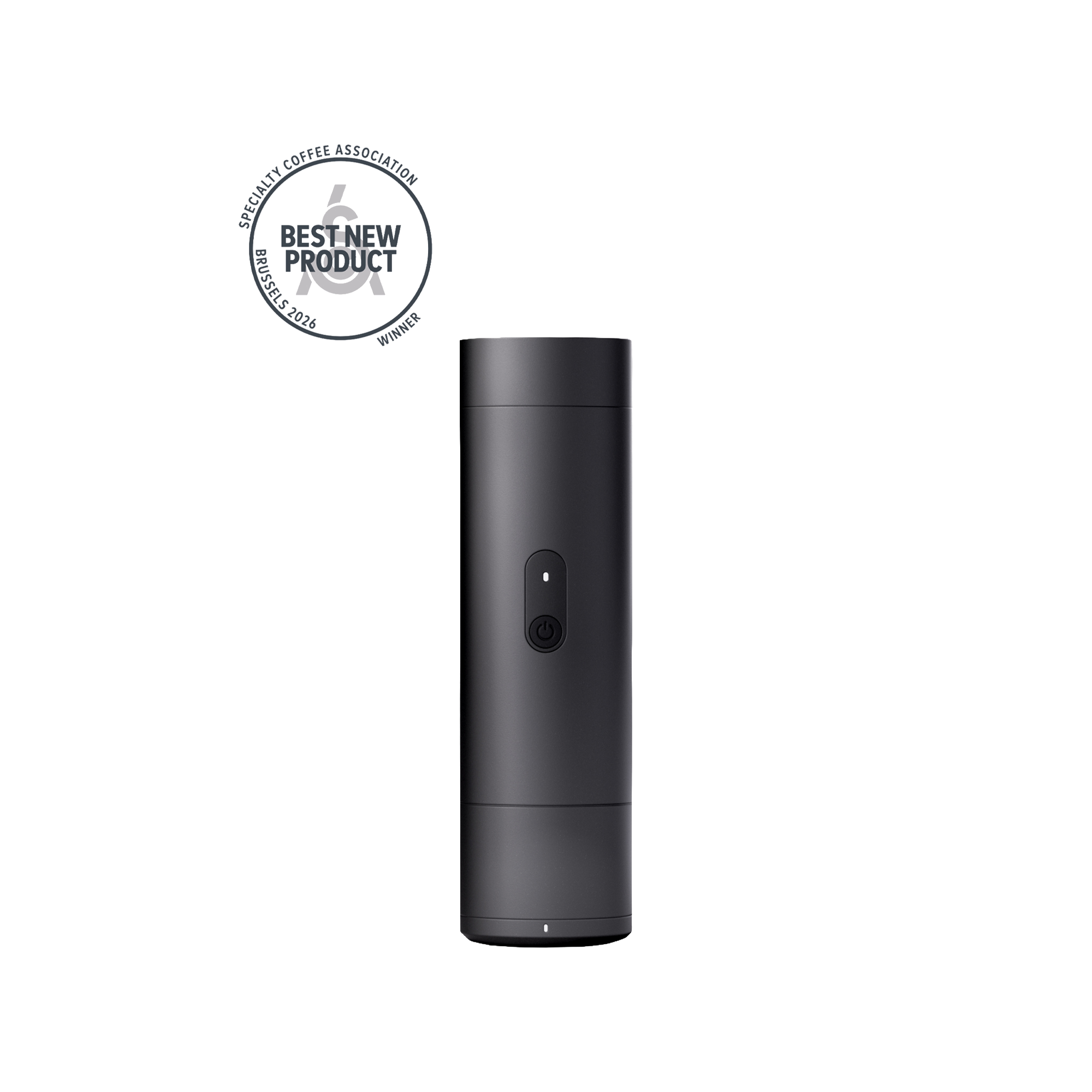
Every recipe. Yours.
THE COFFEE COMES FIRST
Every coffee carries the work of many hands. Its recipe brings the brewing knowledge into yours.
01 · ORIGIN
A producer shapes the coffee long before it reaches a brewer. Variety, growing conditions and processing create the starting point for what you will taste.
02 · ROASTING
A roaster develops that potential into a coffee with its own character. The recipe gives you a way into the flavour they want to share.
03 · KNOWLEDGE
A café, champion or creator refines a method through practice. ORBI connects the coffee and the thinking behind its recipe to guided execution at the brewer.
ORBI connects that recipe to the brewer in your hands.

ROOM TO EXPLORE
Discover a recipe from a roaster or creator, or build one of your own. Save it in your library and sync it to ORBI.
Curious about a different temperature, pre-infusion or pour sequence? Adjust a setting, brew and compare. Keep the version you love for next time.

TWO WAYS TO START
Choose a recipe that’s ready to run. Or create something of your own.
Find a recipe from a roaster or creator in Discover. Download it to My Library, then open My Device to review it and sync it to ORBI.
Build a recipe, or refine one you’ve saved. Set the dose, target yield, temperature and brewing stages. Save your changes and sync them to ORBI. Keep it for your next brew, and share it where supported.
Once sync is confirmed, choose your recipe on ORBI. The touchscreen guides you from preparation to the finished brew.
01 · Sync

Open My Device in the app. Review your recipe, save any changes and wait for the sync confirmation. Then choose it on ORBI.
02 · Prepare

The touchscreen guides you through the coffee, brewing assembly and water. ORBI checks for stable readings at the weighing steps before continuing.
03 · Brew

Review the recipe and start. ORBI runs its temperature and pressure or flow stages, while the cup scale measures the coffee collecting.
PORTABLE AT ITS CORE
The brewer, battery and cup scale. One self-contained setup.

Bring ORBI and its cup wherever you set up. Use its built-in boiler with room-temperature water, or start with hot water to shorten the warm-up and conserve the battery.
Your saved recipes stay with the brewer. Espresso, filter or a compatible capsule: the brewing sequence remains familiar.
THE CUP SCALE
The cup measures the coffee collecting as you brew.
With the recipe’s specified dose, scale-based brewing finishes within 0.1 g of the set target yield.

Enter the coffee dose you’ve weighed. ORBI calculates the cup target from the recipe’s ratio, runs the programmed brewing stages and uses the live cup measurement to stop automatically.
For example, 20 g of coffee with a 1:2 espresso recipe sets a 40 g cup target.
THREE WAYS TO BREW. ONE ORBI.
Espresso and capsules: pre-infusion and pressure profiling.
Filter: multi-stage brewing and flow-rate profiling.
Programme the stages in the app. ORBI runs the recipe.

Pre-infusion.
Pressure profiling.
Set programmable pre-infusion, then shape the pressure throughout extraction. ORBI’s bespoke gear pump runs your profile through a true 58 mm portafilter and group head.

Staged brewing.
Flow profiling.
Build multiple pours and pauses into one recipe. Programme flow-rate profiling and edit the stages in the app. ORBI carries out the complete brewing sequence.

Pressure profiling.
For your capsule.
Compatible capsules get programmable pre-infusion and pressure profiling too. Choose a saved recipe or create your own pressure stages in the app.
Prepare and tamp your coffee in the true 58 mm portafilter. Programme pre-infusion, temperature and pressure stages in the app, then sync the recipe. ORBI’s custom gear pump follows the profile automatically. In scale-based mode, the cup scale provides the stopping reference for the target yield.
Choose an espresso recipe and prepare its dose in the 58 mm portafilter. Distribute and tamp the coffee, then fit the espresso assembly to the group head.
Run a saved profile or edit its pre-infusion, temperature and pressure stages in the app. Sync the recipe and start the brew. ORBI follows the sequence automatically.
In scale-based mode, the output scale provides the stopping reference. Taste the espresso, then return to the recipe or refine your next shot.
Fit the filter assembly and prepare your coffee. Build a multi-stage recipe with programmable flow-rate profiling. Edit the pours, pauses, flow and timing in the app, then save and sync it. ORBI delivers the water through the sequence you’ve chosen.
Fit the filter assembly and paper, then add the coffee dose and grind specified by your recipe.
Create or edit multiple brewing stages with pours, pauses, flow-rate profiling and timing. Save and sync your recipe. ORBI carries out every stage automatically.
The cup scale measures the beverage collecting. Taste the result, then edit the pours, pauses or flow profile in the app for your next brew.
Fit the capsule assembly and insert a compatible capsule. Programme pre-infusion, temperature and pressure profiling in the app, or use a saved recipe. ORBI runs the pressure stages and uses the cup scale to finish at the recipe’s target yield in scale-based mode.
Fit the capsule assembly and insert a capsule compatible with it. Follow the product guidance for supported formats.
Choose a saved recipe or edit pre-infusion, temperature and pressure stages in the app. Sync it to ORBI and let the brewer run the programmed profile.
Use the measured beverage output as a reference. Save a recipe you enjoy and return to the same brewing sequence next time.
Choose the assembly and recipe for your method. Coffee, grind and preparation remain part of the result.
THE HARDWARE BEHIND THE RECIPE
Built-in heating. A true 58 mm espresso system. A bespoke gear pump for programmable pressure and flow. Built into your portable brewer.

BUILT-IN HEATING
The integrated 130 ml boiler heats room-temperature water to your recipe’s temperature. A typical 60 ml espresso recipe volume heats in approximately 2–3 minutes from 24°C. A full 130 ml tank takes approximately 5 minutes to reach 92°C from 24°C.
You can also start with hot water to shorten the warm-up and conserve battery power. Temperature regulation follows the temperature set in your recipe during brewing.
Approx. 2–3 min · 60 ml from 24°C

58 MM ESPRESSO SYSTEM
A true 58 mm portafilter and group head give you familiar espresso preparation. ORBI’s bespoke 12,000 rpm gear pump was developed specifically for this brewer.
Programme pre-infusion before extraction, then shape the shot with advanced pressure profiling from 0–15 bar. The recipe sets the stages. ORBI runs the sequence.
True 58 mm portafilter and group head · 12,000 rpm bespoke gear pump

BATTERY OR USB-C POWER
On a full charge, brew approximately 2–3 espressos starting with room-temperature water, or 6–8 using hot water at 92°C. The number of brews depends on your recipe settings.
ORBI supports 30 W USB-C fast charging and can brew while connected to a suitable USB-C power supply.
Approx. 2–3 brews with cold water · 6–8 with hot water
Choose a recipe, prepare your coffee and let ORBI run the brewing stages.
RECOGNITION
The ORBI platform
World of Coffee · Brussels · 2026
Commercial Coffee Preparation & Serving Equipment
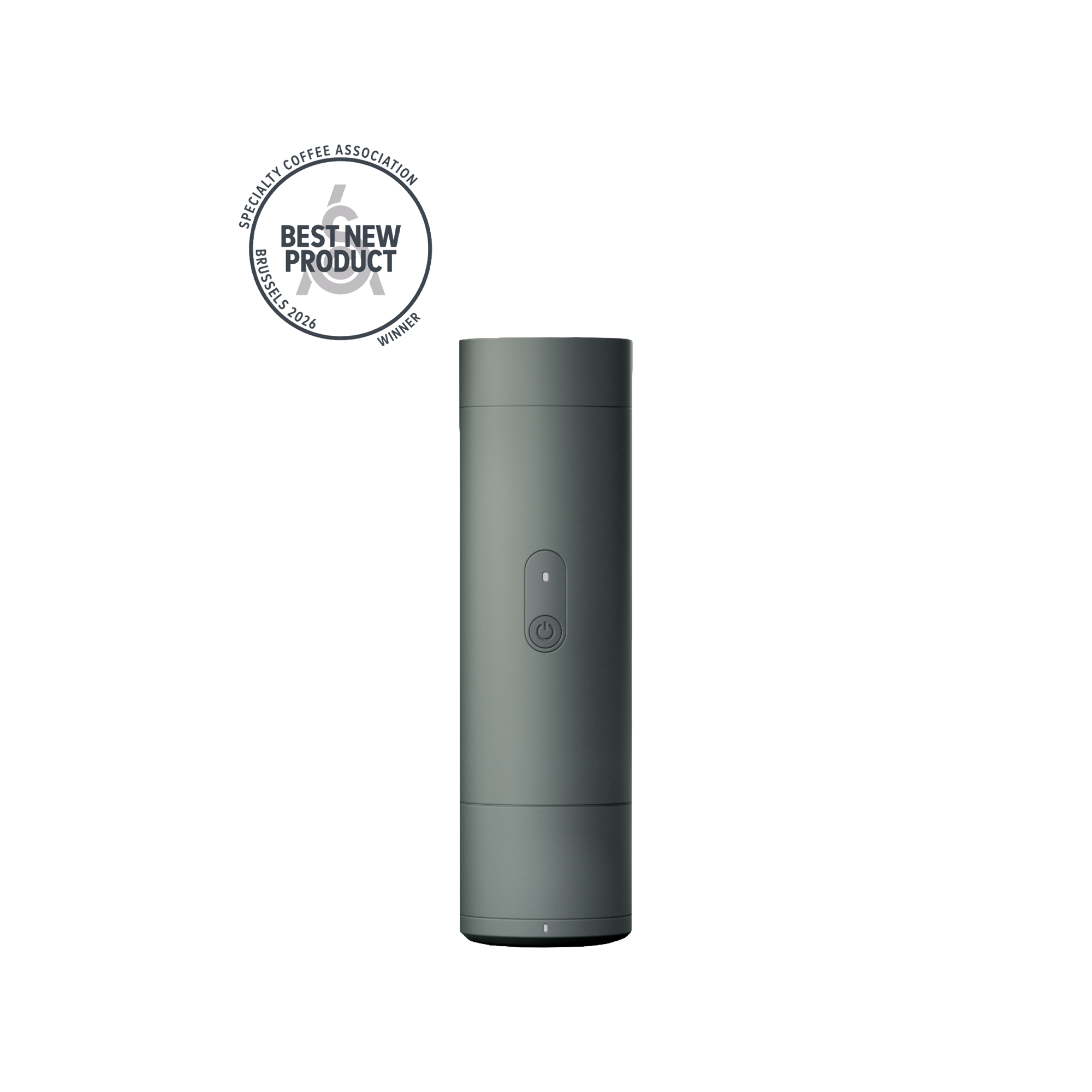
The ORBI platform received the Specialty Coffee Association’s 2026 Best New Product Award at World of Coffee Brussels, in Commercial Coffee Preparation & Serving Equipment.
That recognition marks a new chapter for Varia: bringing the knowledge behind a recipe into a connected brewing experience. Espresso, filter and capsule sit within one platform, with guidance, control and measurement supporting the coffee you want to explore.
CHOOSE YOUR CONFIGURATION
Choose ORBI for a compact portable setup. Choose PRO for a home setup with an additional scale and input/output measurement. Both support espresso, filter and capsule.
| The difference |  ORBIThe portable configuration. Explore ORBI |  ORBI PROWith the PRO Home-Dock. Explore ORBI PRO |
|---|---|---|
| The setup | Self-contained portable brewer. | ORBI brewer with PRO Home-Dock. |
| Choose this if | You want guided brewing in a compact setup that can travel. | You want a home brew station with more measurement for recipe refinement. |
| Scale system | Integrated output scale. | Integrated output scale plus Home-Dock scale. |
| What you measure | Beverage yield. | Brew input and beverage output. |
| Recipe control | Programmed temperature, pressure or flow; scale-based yield stopping. | The shared ORBI controls, with additional input/output visibility. |
| Brewing methods | Espresso, filter and capsule. | Espresso, filter and capsule. |
| Portable use | Portable configuration. | The portable brewer remains part of the PRO platform. |
| Connected recipes | Discover, save and sync through the app. | Discover, save and sync through the app. |

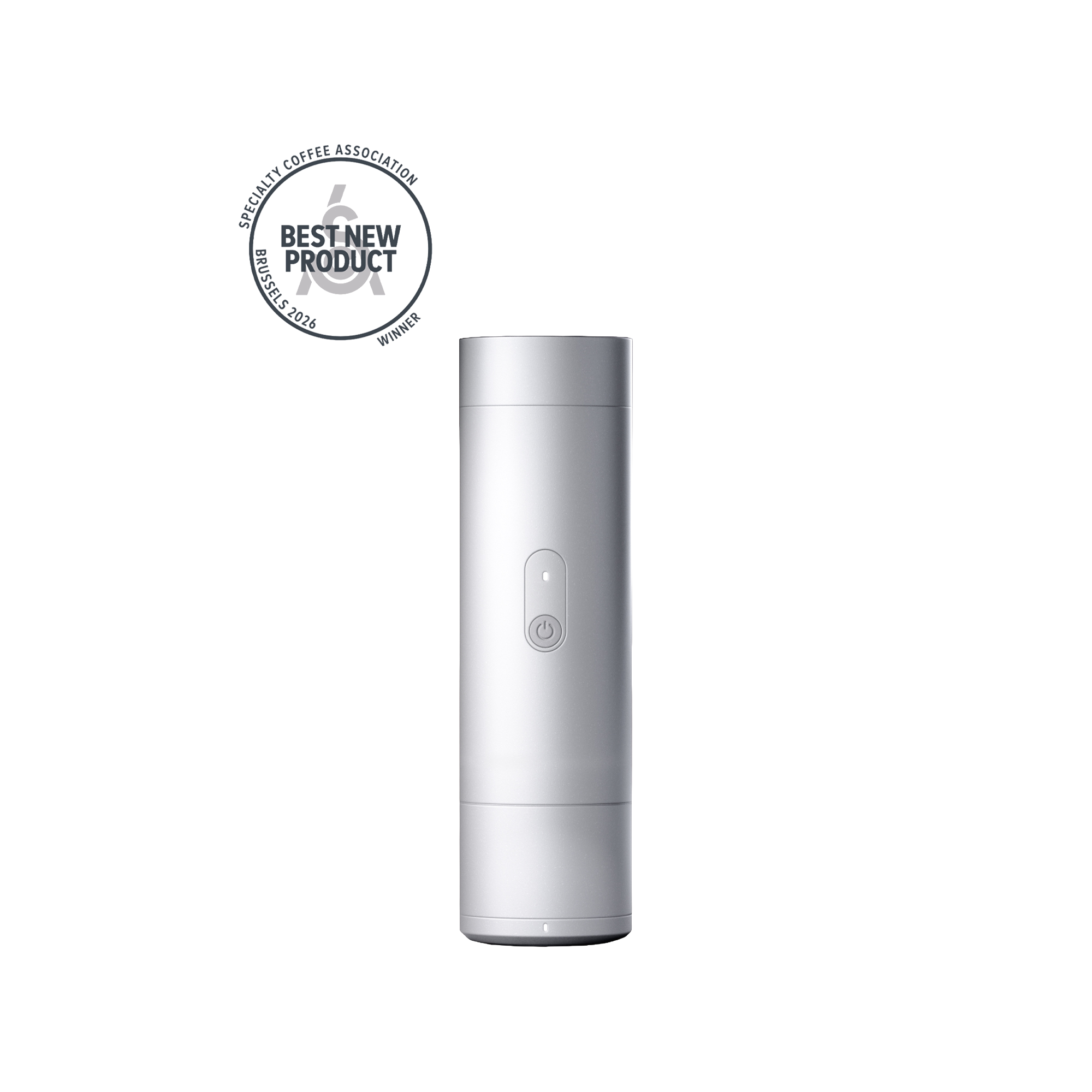

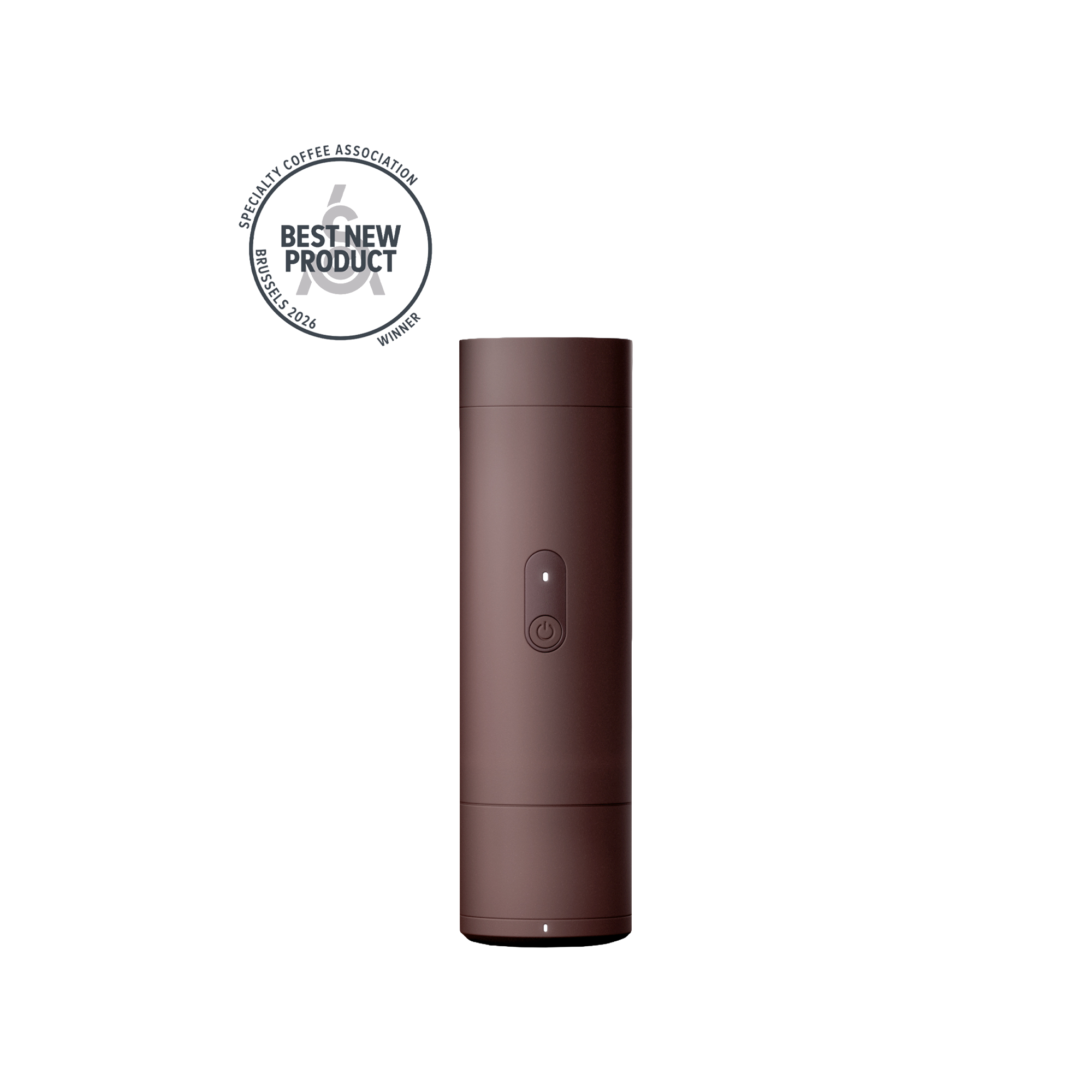
ORBI
Guided espresso, filter and capsule brewing in one compact platform. Choose a finish for the spaces and routines you make your own.
Finish Black
Compare ORBI and ORBI PRO Explore the ORBI PRO configurationA CLOSER LOOK
THE DETAILS
Hardware, measurements and setup details for your ORBI configuration.
The integrated 130 ml boiler heats room-temperature water to your recipe’s temperature. A typical 60 ml espresso recipe volume heats in approximately 2–3 minutes from 24°C. A full 130 ml tank takes approximately 5 minutes to reach 92°C from 24°C.
You can also start with hot water to shorten the warm-up and conserve battery power. Temperature regulation follows the temperature set in your recipe during brewing.
On a full charge, brew approximately 2–3 espressos starting with room-temperature water, or 6–8 using hot water at 92°C. The number of brews depends on your recipe settings.
ORBI supports 30 W USB-C fast charging and can brew while connected to a suitable USB-C power supply.
58 mm basket, capsule basket, dripper, tamper, group head gasket and lid gasket. The brewing assembly changes to suit espresso, filter or capsule preparation.
My Library keeps your downloaded recipes and collections together. Synced recipes appear in ORBI’s recipe slots, grouped by Espresso, Filter and Capsule. Slot Manager lets you reorder or delete slots on the brewer.
Cloud recipes require internet access. Syncing requires ORBI to be paired over Bluetooth or Wi-Fi. Recipe sharing and other discovery features depend on region, account and app support.
The coffee, its roast and age, the grind, and the way the coffee bed is prepared continue to influence extraction. ORBI controls and measures the brewing process so that a recipe becomes easier to follow and compare. Taste the result and refine deliberately; a shared recipe is a useful starting point for the coffee in your hands.
Change the brewing assembly for espresso, filter or capsule, then choose a recipe for that method. Espresso and capsule use pre-infusion and pressure profiling; filter uses staged water delivery and flow-rate profiling. Follow the product’s setup and care instructions when changing components.
The stated 0.1°C PID temperature control describes the brewing system’s temperature regulation. Temperature works with pressure or flow, timing and measured yield. It is one part of the recipe, rather than a promise that every coffee or cup will respond identically.
Espresso and compatible capsules use programmable pre-infusion and pressure profiling. Filter recipes use staged water delivery and flow-rate profiling.
Review and adjust supported settings in the app before syncing. You can also refine supported settings on the brewer before brewing: espresso has separate pre-wetting and pre-infusion phases and pressure/time stages; filter has bloom and pour phases with time, flow rate and water amounts. Available controls depend on the recipe, firmware, mode and connected hardware.
The 130 ml specification is the boiler’s water capacity. The cup scale measures coffee output; the published scale accuracy is 0.01 g. This is a separate specification from the brew’s finish: with the recipe’s specified coffee dose, scale-based brewing finishes within 0.1 g of the set target yield.


