01 / AKU Flow
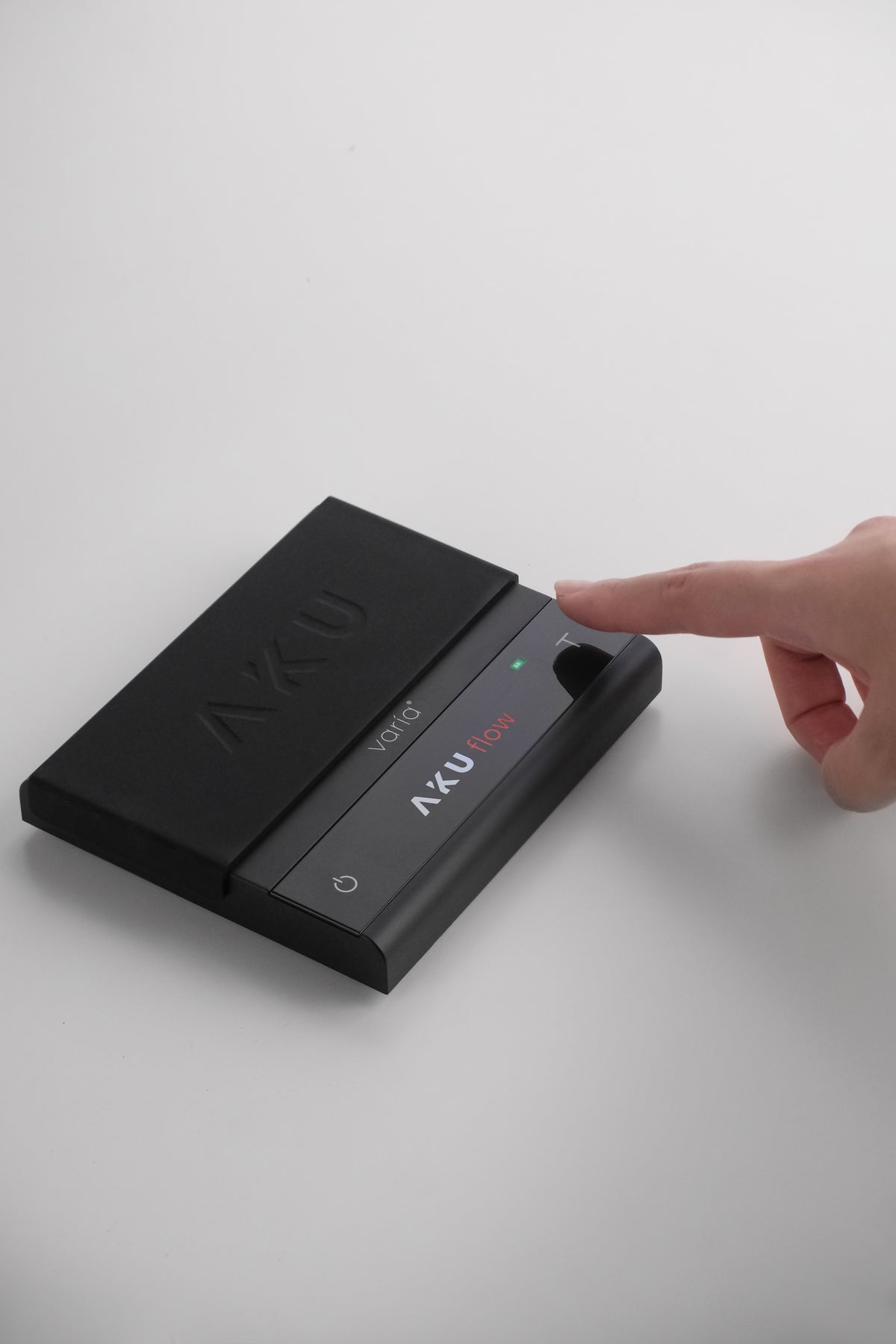
Select AKU Flow
Choose the automatic filter mode to follow your coffee dose, water input and brew ratio.
AKU PRO
Follow your pour or espresso shot on a colour display. AKU PRO brings weight, brew ratio and live flow together, with dedicated filter and espresso modes.

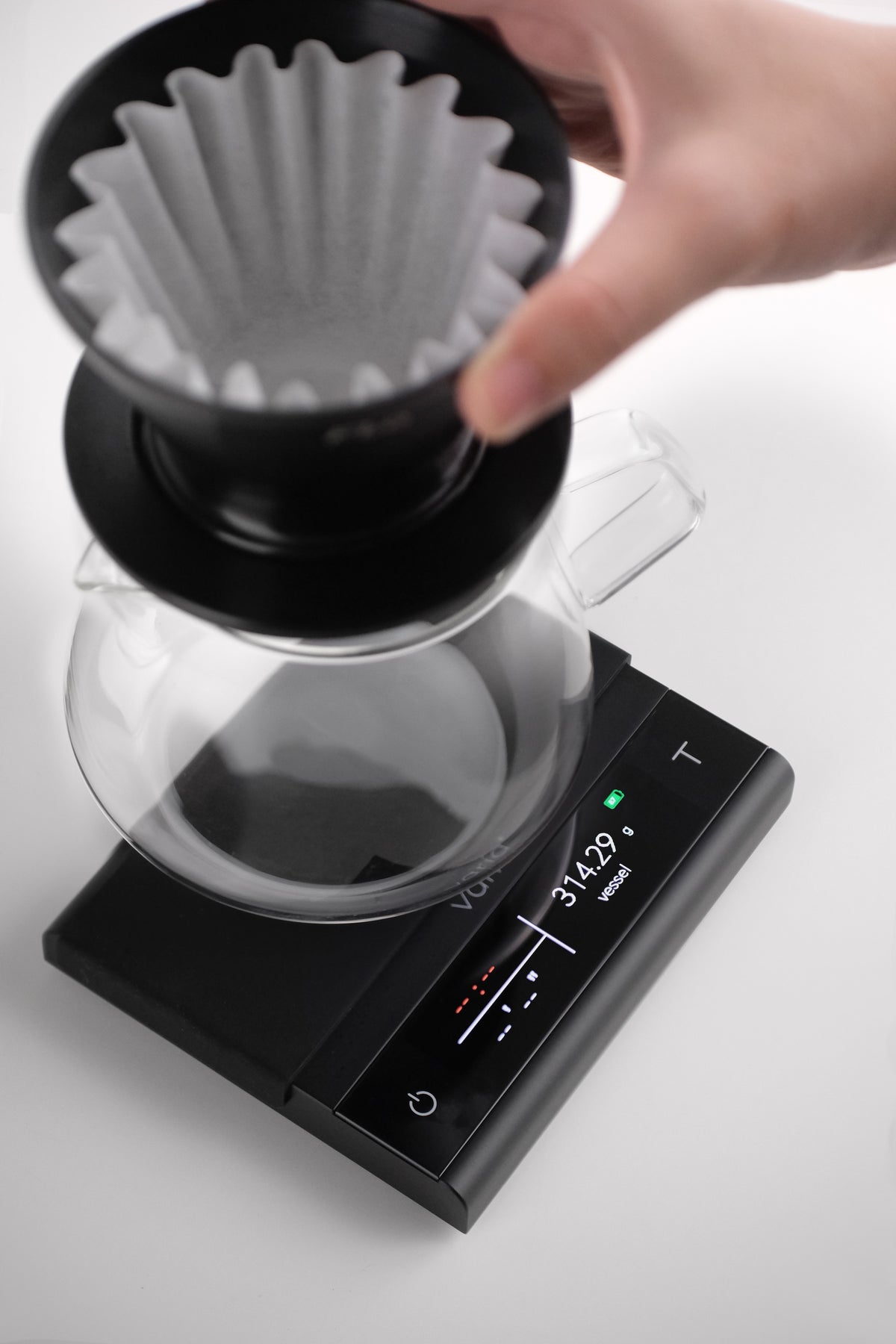
Live feedback
Live flow shows the pace alongside the total weight.

Watch how quickly water is added or espresso reaches the cup. The colour display keeps the measurements distinct, so you can adjust your pouring and compare the result with your last brew.
Flow expresses a change in measured weight over time. What it represents depends on the setup: a vessel receiving poured water gives different information from a cup collecting espresso. It is feedback about the measured load, not a direct measurement of extraction quality or flavour.
BREWING MODES
Choose a mode, then step through the actual AKU PRO screens. FLOW follows water added; SPRO follows espresso yield.
01 / AKU Flow
Choose the automatic filter mode to follow your coffee dose, water input and brew ratio.
02 / AKU Flow
Place your brewer and rinsed filter on the scale, then confirm their weight before adding coffee.

03 / AKU Flow
Add your ground coffee and confirm the dose. This becomes the reference for the live brew ratio.

04 / AKU Flow
Start pouring to begin automatic timing. Follow the water weight and brew ratio as water is added.
01 / AKU Spro
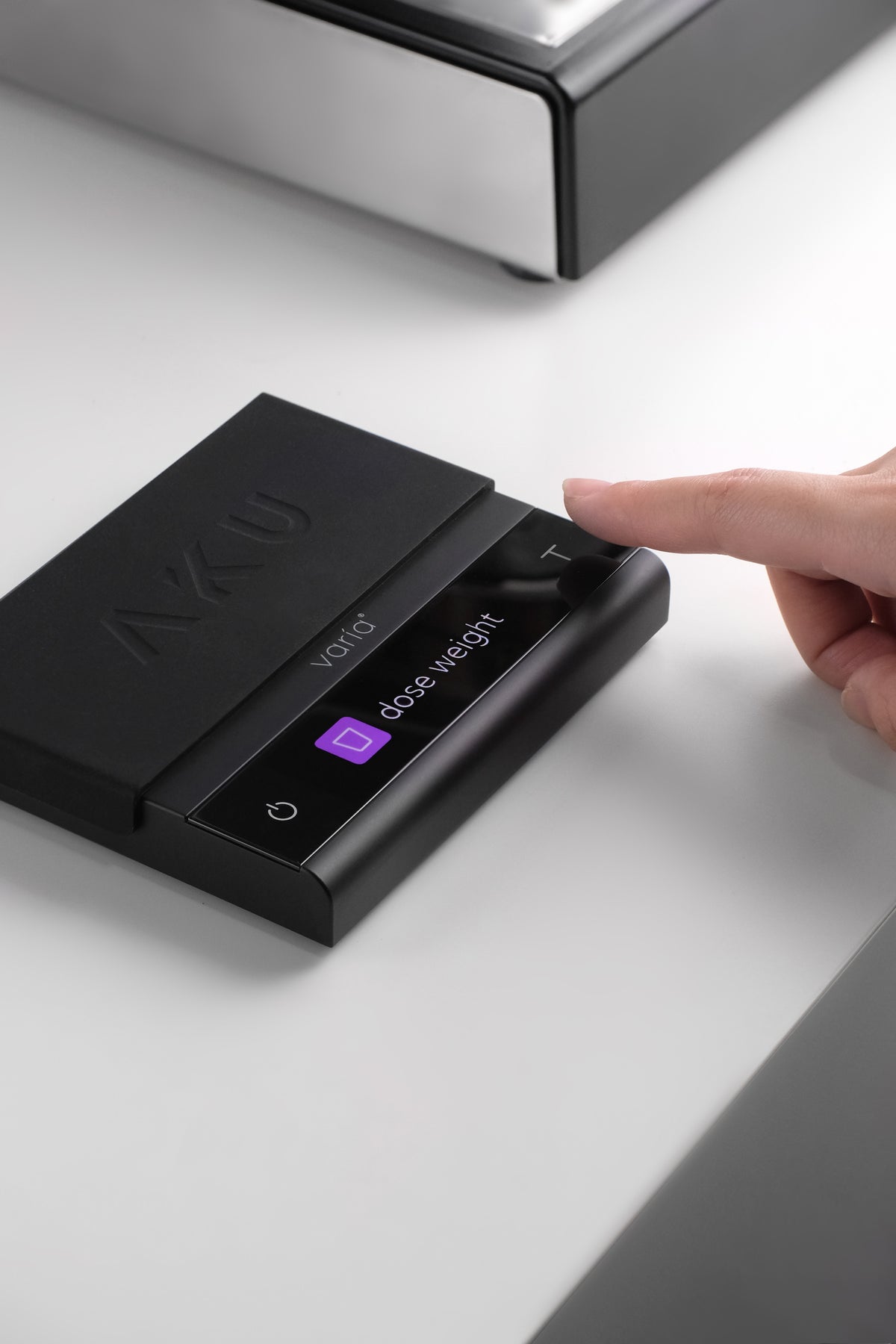
Enter your coffee dose in the settings so AKU Spro can calculate the beverage-to-coffee ratio.
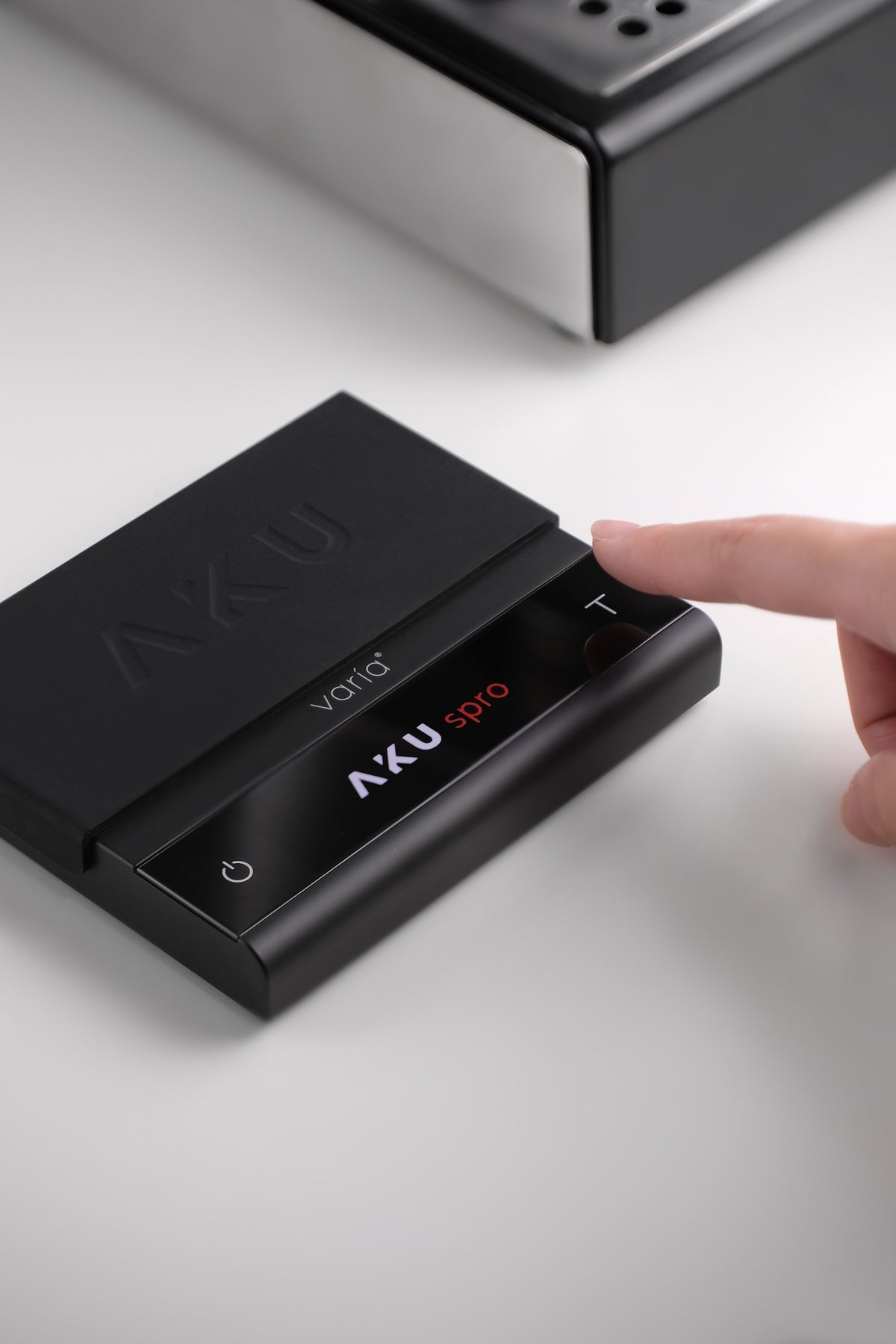
02 / AKU Spro
Choose the dedicated espresso mode before placing your cup on the scale.
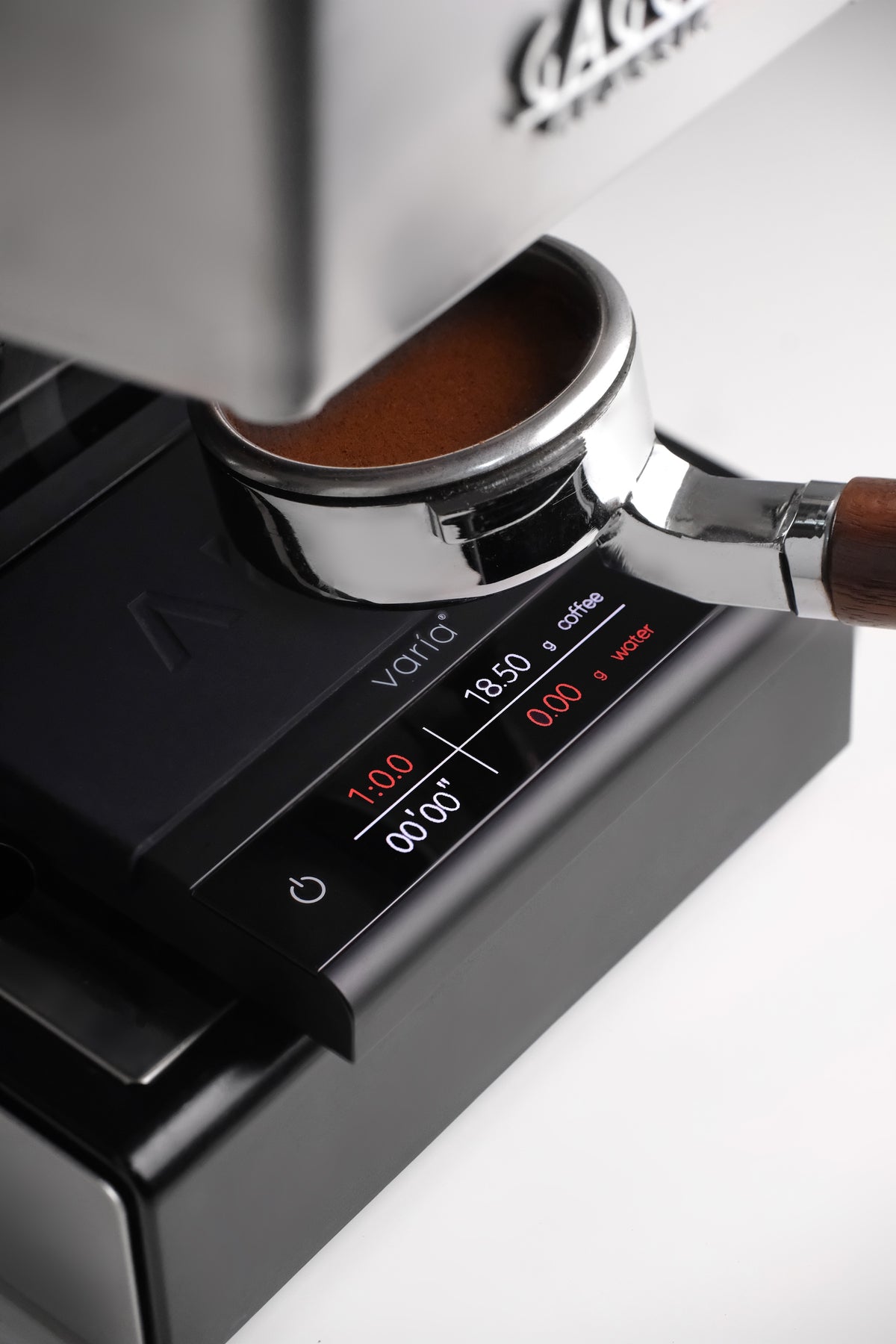
03 / AKU Spro
Place your cup for automatic tare, then start brewing. Follow time and beverage weight during the shot.
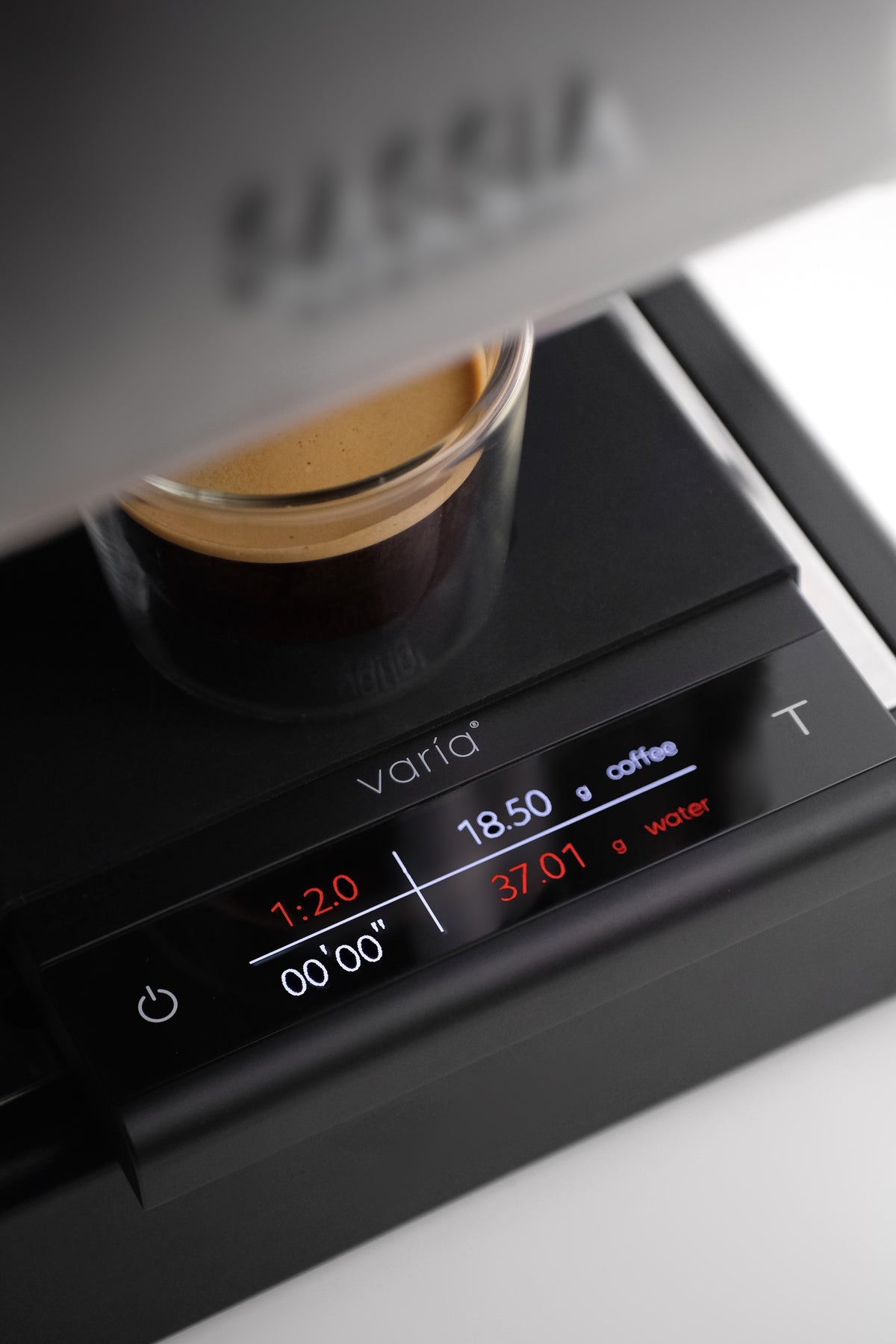
04 / AKU Spro
Compare beverage yield with your coffee dose using the live ratio. Use that reference when refining your next shot.
FLOW compares water added with coffee dose. SPRO compares beverage yield with coffee dose.
Weighing platform
130 × 110 mm footprint with 2 kg total capacity.

Make room for a filter setup or espresso cup on the same scale. Display resolution is 0.01 g up to 1 kg and 0.05 g above 1 kg to 2 kg. Include the vessel and its contents when checking the total load.
Resolution is the smallest change shown on the display. Accuracy concerns how closely a reading matches the actual load and depends on calibration, placement and conditions. Keep the scale level and stable, and follow the manual’s calibration procedure.
Daily ownership
Choose brightness, sound, units and flow feedback.

Make the display work for your brew station. USB-C charging, an included 100 g calibration weight and a travel carry case support everyday use and moving between setups.
AKU PRO is listed with IPX6 water resistance. Follow its cleaning instructions and keep the charging connection dry. Water resistance is not a reason to submerge the scale or place it in a dishwasher.
Choose by the setup you use and the measurements you want to follow.
| The difference |
 AKUWeight and timing. More capacity. US$ 99.90 USD ExploreShop AKU |
 AKU MiniLow profile. Espresso feedback. US$ 149.90 USD ExploreShop AKU Mini |
AKU PROFilter and espresso. More feedback. US$ 199.90 USD ExploreShop AKU PRO |
|---|---|---|---|
| Footprint | 120 × 110 × 19 mm | 100 × 80 × 13 mm | 130 × 110 × 18 mm |
| Capacity | 3.1 kg | 500 g | 2 kg |
| Display resolution | 0.1 g | 0.01 g | 0.01 g to 1 kg; 0.05 g above 1 kg to 2 kg. |
| Feedback | Weight, automatic tare and timing. | Weight and live flow feedback. Manual and automatic modes. | Colour display. AKU Flow and AKU Spro modes. |
| Choose this if | You want weight and time for a daily brewing setup with a total load up to 3.1 kg. | You need a compact espresso scale and your cup plus coffee stays within 500 g. | You want colour-display guidance, brew ratio and live flow with dedicated FLOW and SPRO modes. |
Capacity includes the vessel and contents, even after taring. Resolution is the displayed step; follow the manual for calibration.
BEFORE YOU BREW
Specifications, included accessories and care for your scale.
AKU PRO scale, 100 g calibration weight, USB charging cable and travel carry case.
Capacity includes the vessel and its contents. Follow the manual for calibration and care. Display resolution describes the indicated measurement step, not a guarantee of laboratory accuracy.
Read the user manualReview the current shipping and returns policies for your order. If you need help choosing a model or configuration, contact the Varia team.
Shipping policy · Returns policy
Contact Varia